.gif)
.jpg)
Introduction
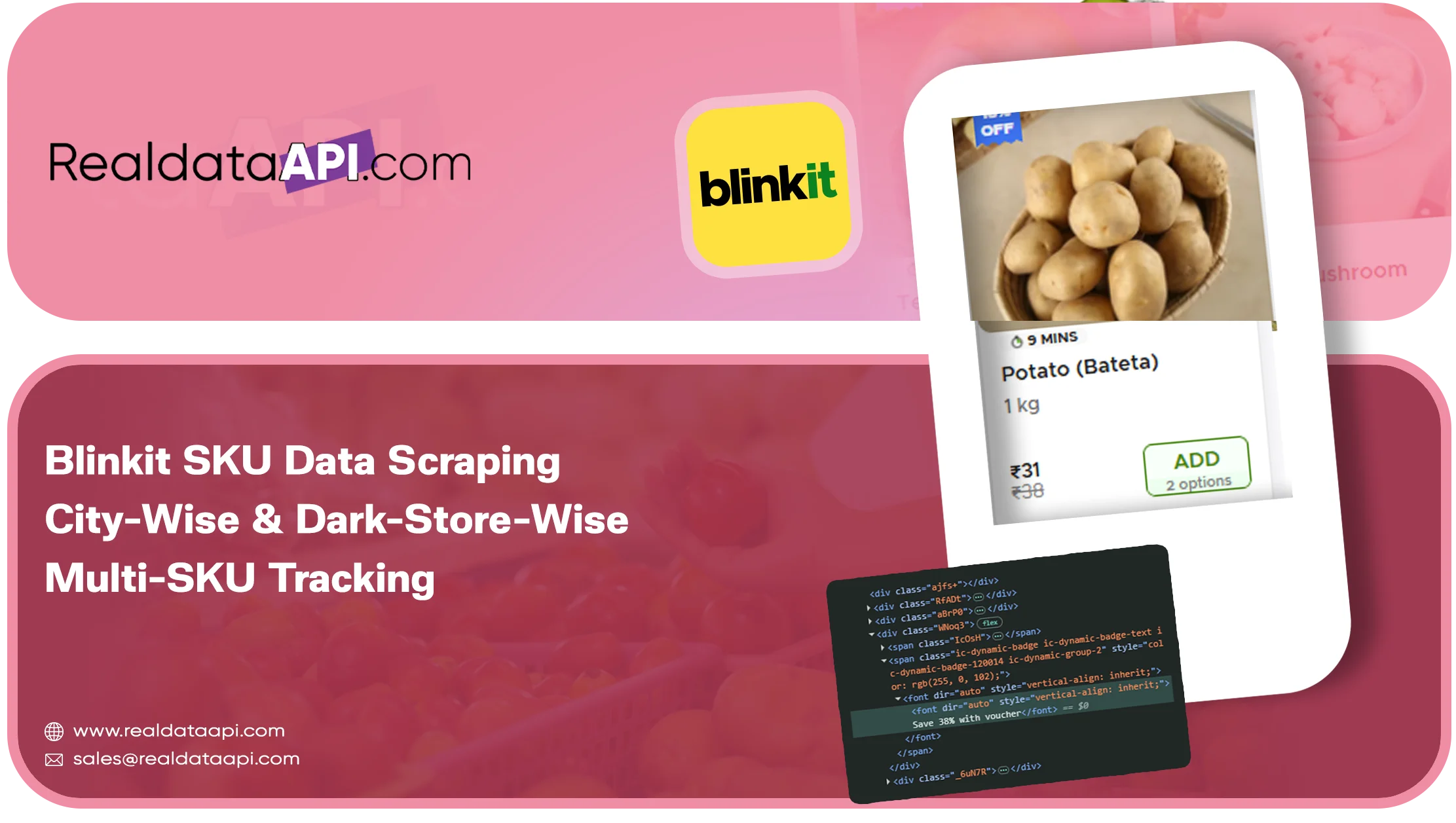
A brand rarely cares about every product on Blinkit. It cares about its own SKUs and a short list of competitor SKUs. What it needs to know is simple but demanding: for each SKU, in each city and each dark store area, what is the price, is it in stock, what discount is running and where does it rank? Answering this requires precise Blinkit SKU data scraping and reliable Blinkit data scraping workflows.
This article covers how SKU-level, city-wise and dark-store-wise tracking works, what you provide as input, which fields you get back, how to avoid common errors and how brands use the data. It also explains how Blinkit dark store data supports multi SKU tracking, price monitoring and stock tracking across locations.
Sku-Level Vs Category-Level Scraping
Category-level scraping collects everything in a category. It is useful for market mapping but produces large datasets. SKU-level scraping starts from a list you provide and returns data only for those products. It is faster, cheaper and easier to analyse, and it suits daily monitoring and alerting. For broader market research, quick-commerce data scraping can provide category-level context before you narrow the scope to individual SKUs.
Most brands use a mix: a weekly category scrape for context and a daily SKU watchlist for operational decisions. This approach keeps multi SKU tracking focused on the products that matter most.
What Is A Dark-Store-Wise View?
Blinkit fulfils orders from nearby dark stores. Each store stocks a selection of products, and a pincode is typically served by one or more stores. Blinkit does not publicly label dark stores in the app, so dark-store-wise analysis is usually built by mapping pincodes or coordinates to the store area that serves them. By choosing pincodes that fall in different catchments, you can compare availability and price across dark-store areas and build a consistent view of Blinkit dark store data.
This view helps answer questions such as:
- Which parts of the city do not list my SKU at all?
- Where does my SKU show repeated out-of-stock patterns?
- Are prices or offers different between catchments?
Input Parameters For Multi-Sku Tracking
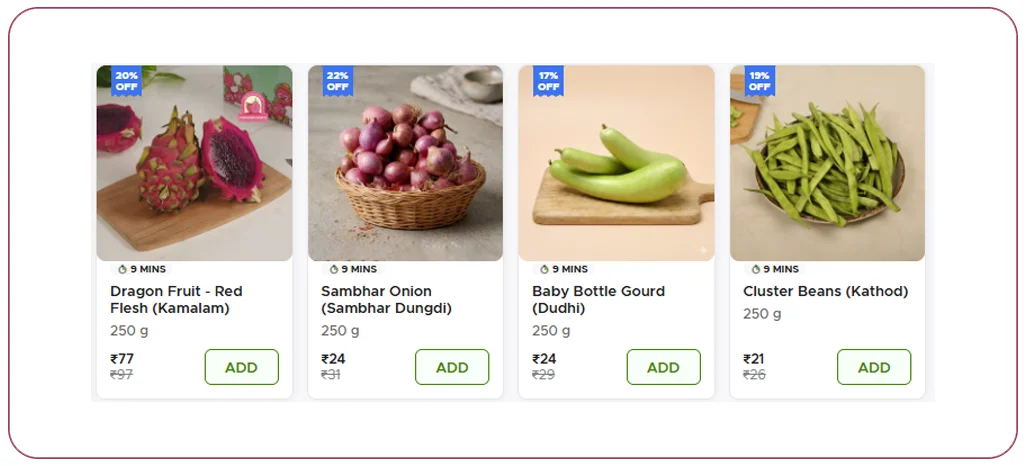
A SKU tracking job typically takes the following inputs:
- SKU list: product names with pack size, or product page URLs, or identifiers
- Cities: the list of cities to monitor
- Pincodes or coordinates: the locations within each city
- Competitor SKUs: optional comparison products
- Schedule: daily, twice daily or hourly for critical SKUs
- Output format: API, CSV or cloud delivery
The cleaner the SKU list, the better the matching. Providing brand, variant and pack size for each item avoids confusion between similar products.
Data Fields Returned For Each Sku
- SKU name, brand, variant and pack size as shown on Blinkit
- City, pincode and collection timestamp
- Availability: in stock, out of stock or limited stock message
- MRP, selling price, discount percentage and unit price
- Delivery time promise
- Rank in the category listing and in keyword search results
- Presence in sponsored slots
- Rating and review count where available
- Product URL and image URL
- Match confidence score for the SKU
How Multi-Sku Tracking Is Built
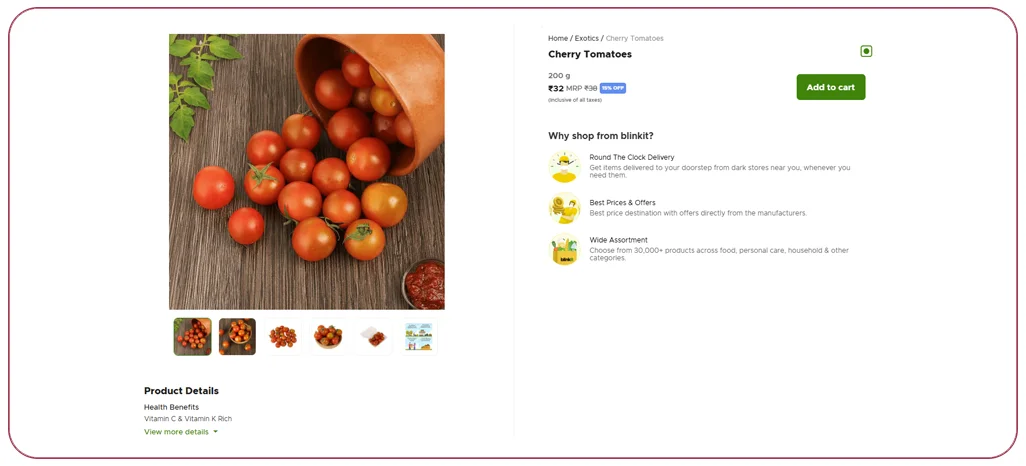
- Build the SKU master. Your SKU list is cleaned and given internal IDs. Variants and pack sizes are listed separately.
- Locate each SKU on Blinkit. The scraper searches for each product by name and brand, or opens the product URL, and confirms the match using pack size and image.
- Set the location. For each pincode, the location context is set before any search or page load.
- Capture the data. Price, stock, rank and other fields are read and stored.
- Handle missing results. If a SKU is not found in a pincode, the system records a not-listed status instead of leaving the row empty.
- Compare over time. Each run is stored, so you can see changes in price, stock and rank by day.
- Trigger alerts. Rules can notify your team when a SKU goes out of stock, a price drops below a limit or a competitor changes its offer.
Common Mistakes In Sku Scraping And How To Avoid Them
- Matching the wrong variant: a 200 g pack and a 400 g pack share a name. Always match on pack size.
- Ignoring not-listed status: a missing SKU is an insight, not a gap in the data.
- Using one pincode per city: a single location misses variation across dark-store areas.
- Counting search rank without context: ranking depends on the keyword and location, so record both.
- Forgetting timestamps: price and stock change quickly. Always store the exact collection time.
Business Use Cases
- Stock-out alerts: the supply chain team receives an alert when a top SKU is out of stock in several pincodes.
- Price compliance: category managers check that selling prices follow agreed levels.
- Competitor tracking: the pricing team follows competitors' discounts and offers day by day.
- Listing health: the e-commerce team verifies that new products are live in all target cities.
- Search visibility: the marketing team monitors the rank of key SKUs for important search terms.
Example: Tracking 25 Skus In Four Cities
A dairy-alternative brand provides 25 SKUs, 10 pincodes in each of four cities and a daily schedule. Within two weeks, the data shows that five SKUs are not listed in one city, one SKU goes out of stock every Friday evening in two catchments and a competitor's discount on a similar product doubles on weekends. The brand gets the listings fixed, increases weekend stock for the affected SKU and prepares a counter-offer.
Sample Record
A delivered row may look like this in a table: platform Blinkit, city Mumbai, pincode 400050, timestamp, SKU name, brand, pack size, MRP, selling price, discount percentage, availability in stock, delivery time, category rank, search rank for a keyword, product URL.
Delivery, Scheduling And Integration
Results can be delivered through an API where your system sends a SKU and pincode and receives the latest data, or as scheduled files. Many teams connect the output to BI tools or alerting systems. For critical SKUs, hourly refresh is possible, although cost rises with frequency. A Blinkit API can make these recurring checks easier to integrate into existing monitoring workflows.
Responsible Scraping
Track only publicly visible product data, avoid personal information, respect reasonable request rates and review platform terms and local regulations for your use case.
Why Choose Real Data Api For Blinkit Sku Data Scraping
Real Data API builds SKU-level tracking with careful variant matching, location control and monitoring. Our scrapers are maintained as Blinkit updates its app, and the output follows a stable schema. A pilot with 10 to 25 SKUs and a few pincodes shows the data quality quickly, making it easier to validate Blinkit price monitoring and stock tracking requirements.
Conclusion
Blinkit SKU data scraping gives brands a precise way to monitor price, stock, discount and rank for the products that matter, in every city and catchment they care about. With clean SKU matching, regular refreshes and clear alerts, teams can protect availability, enforce pricing and respond to competitors faster.
Need multi-SKU Blinkit tracking? Real Data API can set up a pilot for your SKU list and cities, with structured data for price, availability and rank.
FAQs
1. Can Blinkit data be collected for a specific dark store?
Blinkit does not publicly name its dark stores, so collection is done by pincode or coordinates that map to store catchments.
2. How many SKUs can I track?
From a few to thousands. Run time and cost grow with the number of SKUs and locations.
3. What if my SKU name differs from the name on Blinkit?
Provide the brand, pack size and any product URL. The matching process uses these details and flags uncertain matches.
4. Can I track search rank for keywords?
Yes. Provide the keywords, and the rank of each SKU in the results is recorded for each location.
5. Is real-time data possible?
Near real-time checks are possible for a limited number of SKUs through an API.
Latest posts
Blinkit SKU Data Scraping: City-Wise & Dark-Store-Wise Multi-SKU Tracking
Walmart & Costco Grocery Category API: Pull Entire Departments in One Call
USA Grocery Category API: Product, Price & Availability by ZIP Code
How an Automated e-commerce web data scraper for businesses Prevents Stockout Errors and Competitor Pricing Gaps



.png)


