.gif)
.jpg)
Introduction
Food technology products live or die by data quality. A diet-tracking app needs correct calories and macros. A recipe platform needs accurate ingredient lists. An allergy-safe shopping tool needs reliable allergen flags. A CPG brand wants to benchmark its formulation against competitors. All of these depend on the same raw material: nutrition and ingredient data from the products people actually buy at Walmart, Costco and Whole Foods. A reliable nutrition data scraping workflow turns those retailer pages into structured records, while careful ingredient data extraction preserves the details behind each product.
This guide explains how nutrition and ingredient data scraping works, which fields can be extracted, how to parse messy label text into structured data, what challenges to expect and how to combine this data with store availability. It also outlines how food product data scraping can support consistent product research across major grocery retailers.
Why Scrape Nutrition And Ingredient Data?
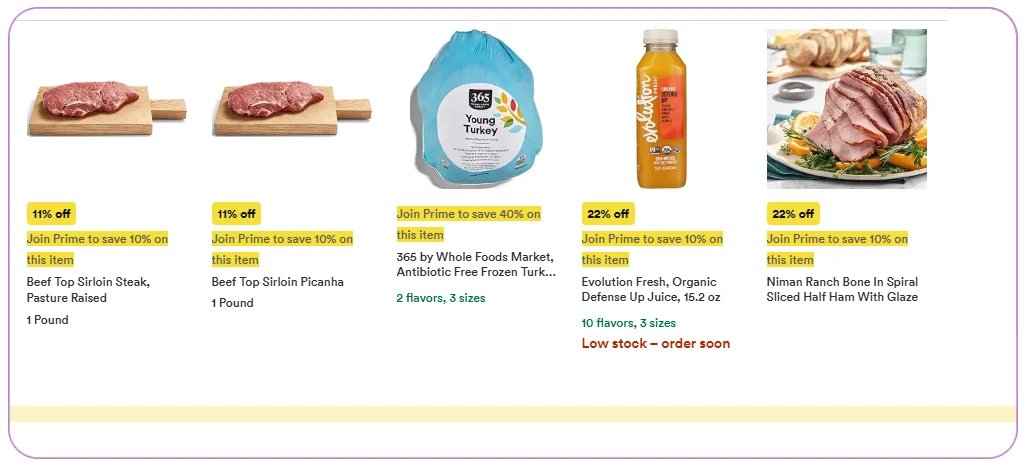
Public food databases exist, but they are often incomplete, outdated or not linked to specific retail products. Retailer product pages, on the other hand, show the exact items on sale today, along with pack sizes, brands and current prices. A structured grocery data scraping API can collect these details in a consistent format. Scraping them gives you:
- Coverage of new launches and regional products
- Data tied to a specific UPC or retailer product ID
- Links between nutrition facts, price and availability
- Frequent updates when formulations change
What Data Can Be Extracted
Nutrition facts panel: serving size, servings per container, calories, total fat, saturated fat, trans fat, cholesterol, sodium, total carbohydrate, dietary fibre, total sugars, added sugars, protein, vitamins and minerals such as vitamin D, calcium, iron and potassium.
Ingredient list: the full ingredient statement in the order shown on the label, including sub-ingredients in brackets.
Allergen information: contains statements and may-contain warnings for common allergens such as milk, eggs, peanuts, tree nuts, soy, wheat, fish and shellfish.
Dietary and quality tags: organic, non-GMO, vegan, vegetarian, gluten-free, kosher, low sodium and similar claims shown on the page.
Product identity and commerce data: title, brand, UPC or GTIN, category, size, price, unit price and store availability.
Differences Between Walmart, Costco And Whole Foods
Each retailer presents data differently:
- Walmart often includes nutrition and ingredients in dedicated sections of the product page, but the completeness varies by product and seller. Walmart product data extraction therefore needs checks for missing fields and seller-level differences.
- Costco tends to have shorter pages with specifications and sometimes nutrition images or documents. Bulk packs may list per-serving data.
- Whole Foods product pages often highlight dietary attributes and ingredient transparency, which is useful for natural and organic categories.
Because of these differences, extraction rules are written per retailer, then mapped to one standard schema. For a practical example of the fields available from Walmart Grocery, see the Walmart Grocery Dataset.
Step-By-Step: Building The Extraction Pipeline
- Define the product universe. This could be a category, a brand list or a list of UPCs supplied by you.
- Collect product URLs. Category and search pages are crawled to gather the product pages.
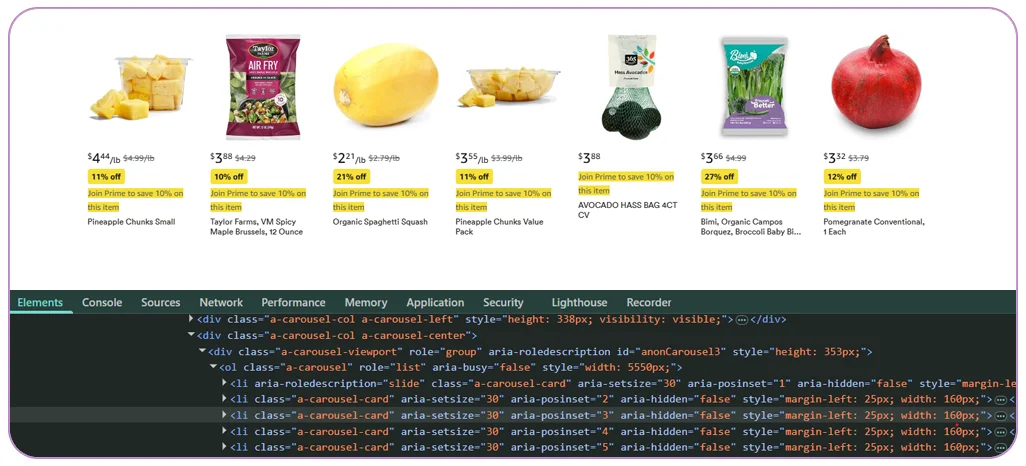
- Visit each product page. The scraper loads the page fully, including sections that open only after a click or scroll.
- Extract raw text and structured blocks. Nutrition tables, ingredient paragraphs and tags are captured as they appear.
- Parse and standardise. Numbers, units and serving sizes are separated into columns. Ingredient statements are split into individual ingredients.
- Flag allergens and diets. Rules and keyword lists identify allergens and dietary attributes from both tags and ingredient text.
- Attach store availability. Where location is set, availability and price are added so you know what is actually purchasable nearby.
- Validate. Calories are checked against macronutrients, and obviously wrong values are flagged for review.
Parsing Messy Label Data
The hardest part of nutrition scraping is not downloading the page. It is turning label text into reliable numbers. Typical problems include:
- Mixed units: grams, milligrams and micrograms appear side by side, and values like less than 1 g need a rule.
- Serving sizes in text: two-thirds cup (55 g) must be split into a household measure and a gram weight.
- Per-serving vs per-100 g: some pages show both. Your schema should store the basis explicitly.
- Missing sections: many products have only an ingredient list, or only a nutrition image. Fields must be null rather than guessed.
- Ingredient nesting: chocolate (sugar, cocoa butter, cocoa mass) should not be split into unrelated ingredients.
- Images instead of text: some pages show the label as a picture. Optical character recognition can help, but accuracy must be checked.
Data Quality Checks
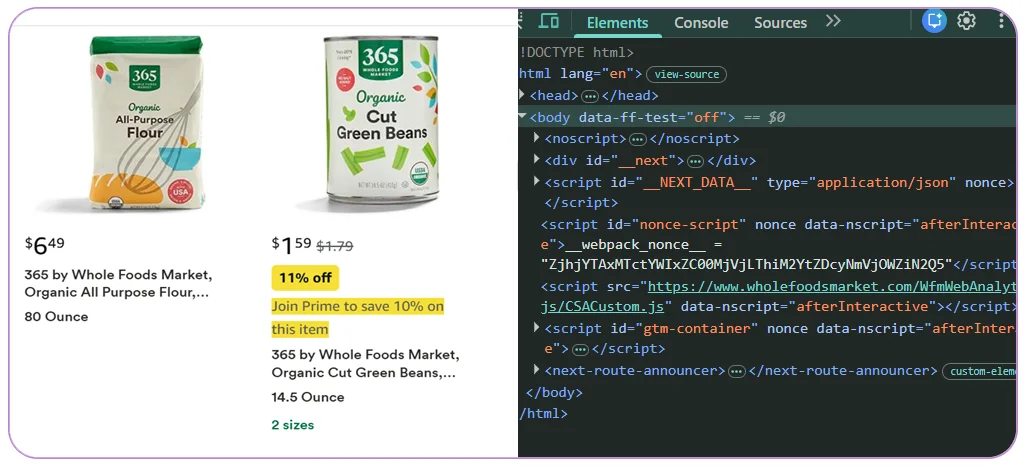
- Compare calories with the sum of fat, carbohydrate and protein energy for plausibility
- Check that percentages are within sensible ranges
- Make sure serving size and servings per container are present for packaged foods
- Confirm that allergen flags match ingredient text
- Sample manually against live pages on a regular basis
Use Cases
- Nutrition and diet apps: populate a food database with real retail products and keep it updated.
- Allergen-safe shopping tools: filter products by allergen and dietary tags.
- CPG product teams: benchmark sugar, sodium and protein across competing products.
- Health and wellness researchers: analyse formulations, additives and nutrient density over time.
- Meal-kit and grocery platforms: match recipes to purchasable items.
- Regulatory and claims monitoring: check how competitors describe organic, low-sugar or high-protein claims.
Example: A Low-Sugar Snack Benchmark
A snack brand plans a lower-sugar granola bar. It extracts nutrition data for 300 bars from Walmart, Costco and Whole Foods. The analysis shows the sugar per serving range, the share of products that use added sugars, the most common sweeteners and the typical protein content. The brand uses the benchmark to set a product specification and to price against similar items, using the unit price from the same dataset.
Adding Store Availability
Nutrition data becomes more valuable when linked with availability. If a user finds a product that fits their diet, they want to know whether it is available nearby. By setting a ZIP code or store before scraping, the pipeline adds local price and stock status to every record. This supports features like find a low-sodium soup near me, or shows a brand where its product is not on shelves.
Delivery Formats
Data can be delivered as JSON through an API, as CSV or Excel files, or loaded into a database. A grocery nutrition API can make structured records available to apps and analytics systems. Typical schemas separate the product table, the nutrition table (one row per nutrient) and the ingredients table (one row per ingredient), which makes analysis easier. Refresh schedules can be monthly for stable products and weekly for categories with frequent launches.
Responsible Use Of Nutrition Data
Collect only publicly visible product information and respect terms of use. Nutrition and allergen data can affect health, so applications built on it should clearly state that labels on the physical product are the final authority, and should include a process to correct errors.
Why Choose Real Data Api For Nutrition And Ingredient Data Scraping
Real Data API builds retailer-specific extractors, parses nutrition tables into clean numeric fields, splits ingredient statements and flags allergens and dietary tags. We add store availability when you need it and maintain the scrapers as pages change. Teams that need broader Walmart listing coverage can also explore the Walmart API. A pilot with one category and a few hundred products helps you check completeness and accuracy before scaling.
Conclusion
Nutrition and ingredient data scraping turns the pages of Walmart, Costco and Whole Foods into structured, queryable food data. With careful parsing, quality checks and optional store availability, it powers diet apps, allergen tools and product benchmarking that rely on real products and real shelves. Learn more about Walmart, Costco & Whole Foods grocery data scraping for a broader view of cross-retailer product, pricing and availability data.
Need nutrition and ingredient data? Real Data API can deliver a pilot dataset for your categories.
FAQs
1. Can you extract nutrition data when I only have a product name?
Yes. The search step finds the product, and the match is confirmed using brand and size. Providing a UPC is more reliable.
2. What happens when a page has no nutrition panel?
Those fields are returned as null, with a note that the source did not provide them.
3. Do you store the original label text?
Yes. Raw text is kept next to parsed fields so you can reprocess it later.
4. Can allergen flags be trusted completely?
They are a helpful automated aid, but the physical label is the final authority. Your application should say so.
5. How often should data be refreshed?
Monthly is usually enough for nutrition, since formulations change slowly, while price and availability should be refreshed more often.
Latest posts
Blinkit SKU Data Scraping: City-Wise & Dark-Store-Wise Multi-SKU Tracking
Walmart & Costco Grocery Category API: Pull Entire Departments in One Call
USA Grocery Category API: Product, Price & Availability by ZIP Code

How an Automated e-commerce web data scraper for businesses Prevents Stockout Errors and Competitor Pricing Gaps



.png)


