.gif)
.jpg)
Introduction
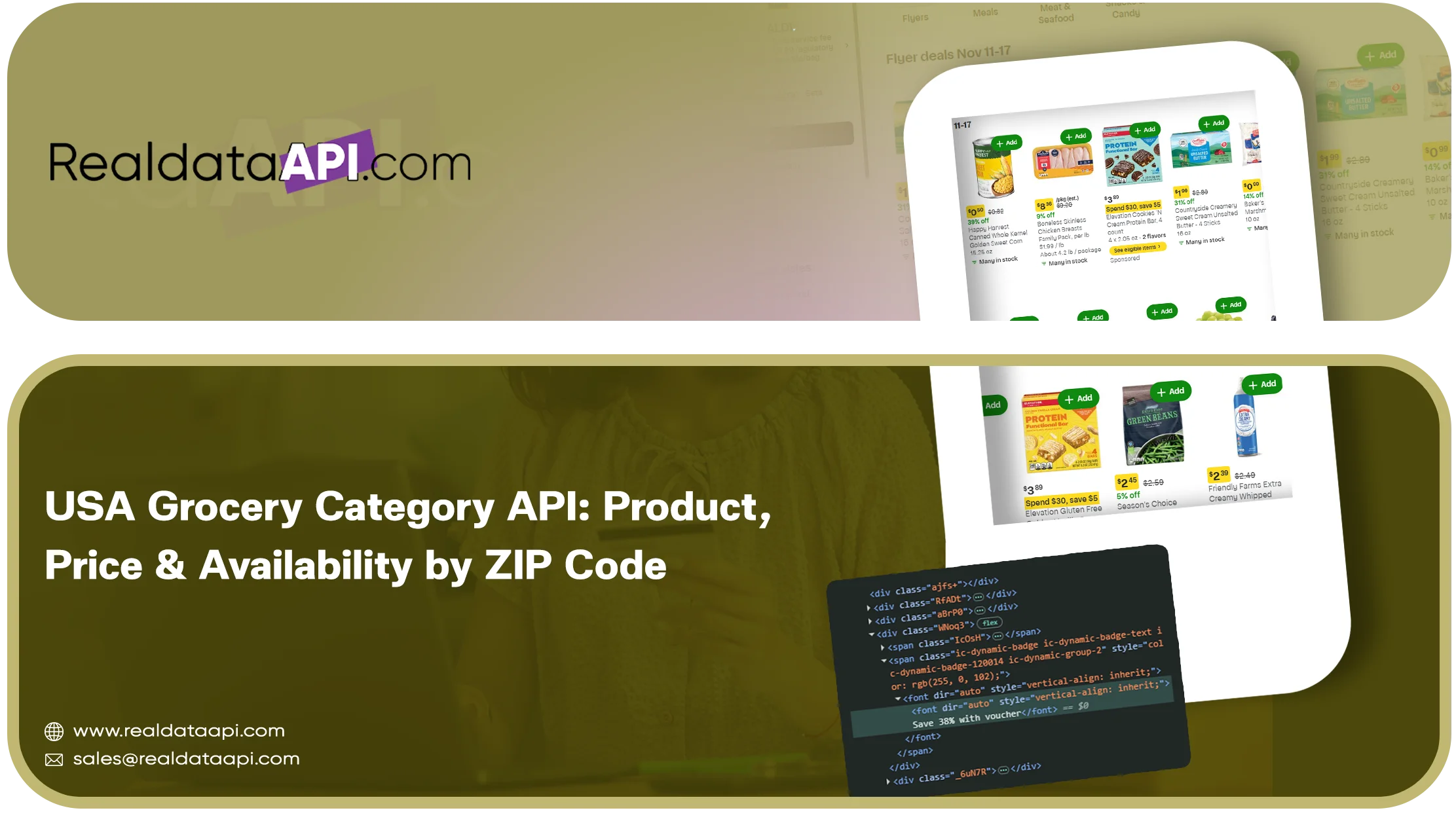
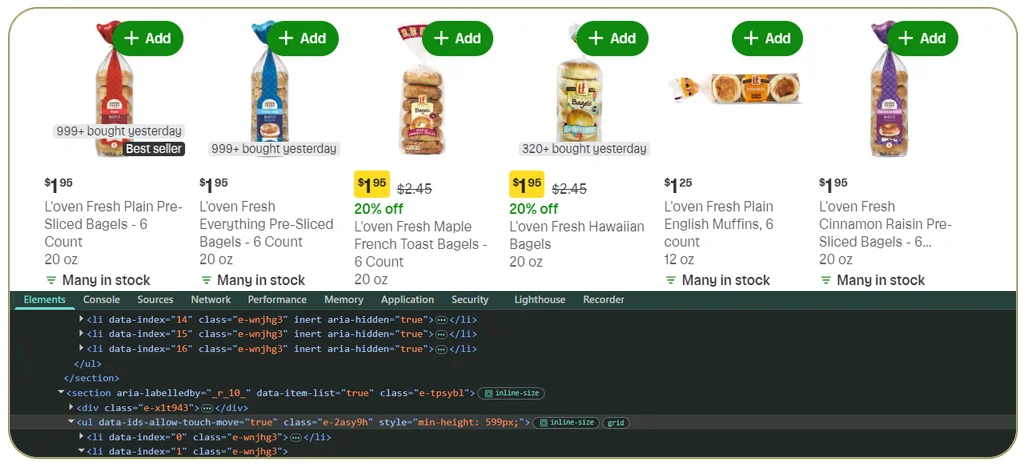
A shopper in Manhattan and a shopper in rural Texas can see different prices, different stock and different delivery options for the same grocery item. For developers building grocery comparison tools, pricing engines or analytics products, this means that national averages are almost useless. What matters is location: which store, which ZIP code, which fulfilment method. A USA grocery category API that returns product, price and availability by ZIP code solves this problem.
Below we explain how such an API works, how location context is handled in US grocery data scraping, what data you can expect and how to design your integration. For broader coverage across supermarket categories, see our grocery scraping API.
Why Location Matters In Us Grocery Data
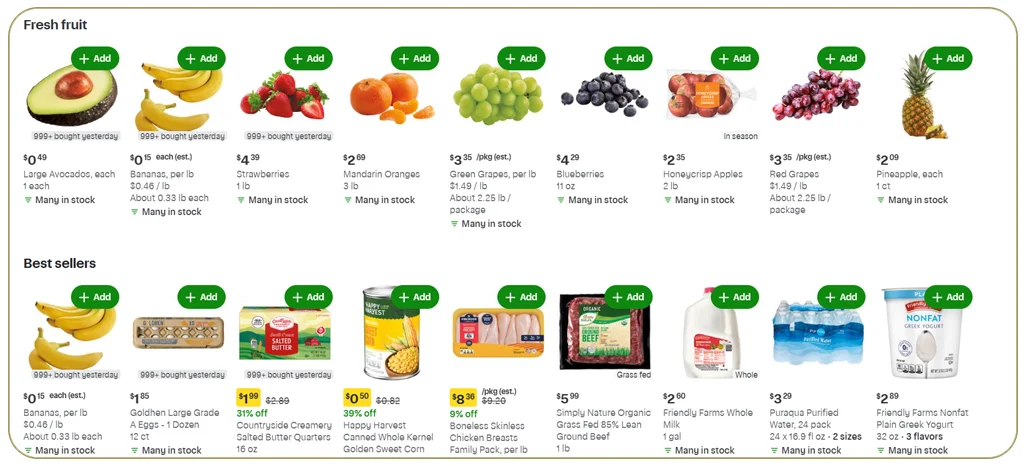
US grocery retailers operate thousands of stores, each with its own inventory. Online, the retailer's website adapts to the shopper's location and chosen store. Several things can change with location:
- Price: regional pricing and local promotions
- Availability: a product may be in stock at one store and out of stock at another
- Fulfilment options: in-store pickup, local delivery or shipping
- Assortment: regional brands and store-specific ranges
- Delivery slots and fees: vary by store and area
If your application ignores location, it will show wrong prices to many users. Reliable ZIP code grocery data helps keep product listings, local prices and stock information relevant to each shopper.
What A Zip-Code-Based Api Request Looks Like
A typical request includes a category (or search term), a retailer, a ZIP code and optional filters. For example, you might ask for all pasta products at a given retailer for ZIP code 10001. The API sets the location, collects the category and returns each product with local price and availability.
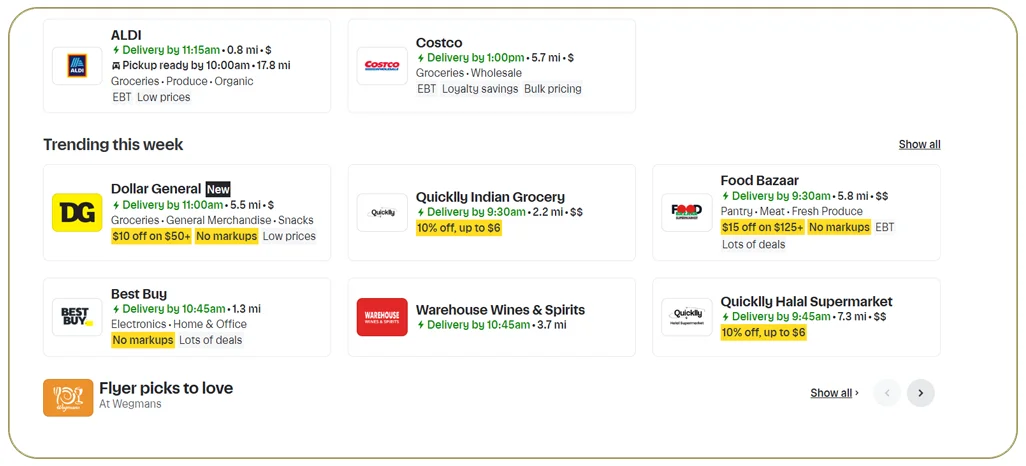
Some clients prefer to specify a store ID instead of a ZIP code, which is more precise when a ZIP code is served by several stores. A well-designed grocery availability API supports both, helping applications distinguish store-level grocery pricing from broader regional estimates. For an example of ZIP-level retailer coverage, see the Instacart API and its ZIP-level filters.
The Data Returned
- Retailer, store ID and ZIP code used
- Product ID, UPC or GTIN, title, brand and size
- Category and sub-category path
- Current price, regular price, unit price and promotion label
- Availability status for each fulfilment type: in store, pickup, delivery and shipping
- Aisle or department where displayed
- Ratings, review counts and image URLs
- Package size and quantity per pack
- Timestamp and data source
The clear separation of fulfilment types is critical. A product can be listed as available for pickup but not for delivery, and treating these as one flag leads to errors. Keeping each status separate makes the output more useful for a grocery price API or a local shopping comparison tool. For an overview of grocery data scraping services, see the related service page.
How Location-Aware Scraping Works
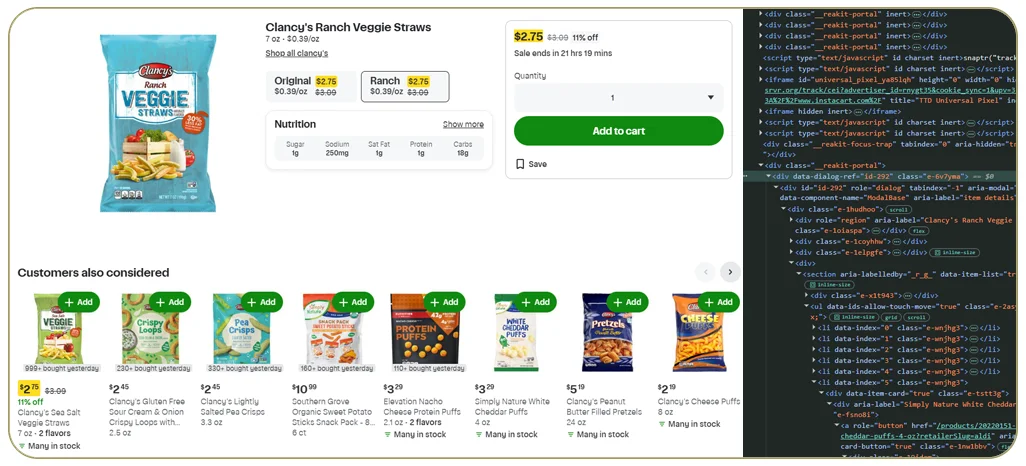
- Resolve the ZIP code to stores. The system finds which stores serve the ZIP code, and which one the retailer's site would choose by default.
- Set the location in the session. The scraper sets the ZIP code or store the same way a shopper would, so the site returns local data.
- Verify the location. After setting it, the scraper checks that the page shows the expected store or area before collecting anything.
- Collect the category. Product listings are read page by page, then details are collected as needed.
- Tag the output. Each record is stamped with the ZIP code, store and time.
- Repeat for more locations. The process runs for each ZIP code on your list.
- Validate. Results are checked for missing prices, impossible values and unexpected drops in product count.
Choosing Zip Codes Wisely
Covering every ZIP code in the country is rarely necessary. Most projects choose a representative list:
- Large metro areas in different regions
- A mix of high-income and mid-income areas
- Rural or small-town ZIP codes where availability tends to differ
- ZIP codes where you operate or plan to expand
Starting with 20 to 50 ZIP codes provides a good picture. You can expand later.
Technical Challenges
- Session handling: setting location often requires cookies or tokens that expire. The scraper must refresh them.
- Store selection logic: retailers sometimes switch the selected store automatically, so verification after every run is essential.
- Rate limits and scale: many ZIP codes multiplied by many categories produce large workloads. Scheduling and parallelism are necessary.
- Inconsistent availability labels: different retailers use different wording. Normalisation maps them to a standard set of statuses.
- Data freshness: availability changes quickly. Decide how old data can be before it is considered stale.
Use Cases
- Grocery comparison apps: show the cheapest nearby store for each product.
- Delivery and meal-kit companies: check what is available in a service area before planning menus.
- CPG brands: audit regional availability and pricing of their products.
- Retail researchers: analyse regional price differences and promotions.
- Inflation and economics tools: build local price indices from real shelf prices.
Example: Regional Price Index For Staples
An economics start-up selects 40 ZIP codes across the US and a basket of 30 staple products, such as milk, eggs, bread and rice. The USA grocery category API returns weekly prices for each. The start-up calculates a regional index and finds that the same basket costs noticeably more in some regions, with a bigger gap on fresh items than packaged goods. This insight informs both a public dashboard and a commercial report.
Integration Tips For Developers
- Cache results by retailer, store, product and date to reduce repeated calls
- Store the ZIP code and timestamp with every price you display
- Use unit price for comparisons across pack sizes
- Treat missing availability as unknown, not as out of stock
- Handle retries gracefully, because some requests may fail due to temporary blocks
Delivery Formats
Options include a real-time REST API with JSON, daily or weekly files in cloud storage and webhook notifications when a job finishes. For big projects, a combination of scheduled bulk data and a real-time API is common. Teams that prefer ready-made files can also review the available grocery datasets.
Responsible Data Collection
Collect only publicly visible product, price and availability data. Avoid personal data, keep request rates reasonable and review the retailer's terms and relevant laws for your intended use.
Why Choose Real Data Api For A Usa Grocery Category Api
Real Data API builds location-aware grocery scrapers that set and verify the ZIP code or store before collecting data, separate fulfilment types and return a clean schema. The service supports location-specific pricing and availability checks for applications that need dependable local results. We monitor and maintain the scrapers so your application receives consistent data. A pilot for one retailer, a few categories and 10 to 20 ZIP codes is a practical way to begin.
Conclusion
A USA grocery category API that works by ZIP code gives developers the one thing national datasets cannot: accurate local price and availability. With careful location handling, clean fulfilment-type fields and ongoing maintenance, it becomes a dependable foundation for comparison tools, analytics products and research.
Need ZIP-level grocery data? Real Data API can deliver a pilot API for your retailers, categories and ZIP codes. Explore our grocery scraping API to see how product, price and availability fields can be collected in a structured format.
FAQs
1. Can I query by store ID instead of ZIP code?
Yes, where the retailer exposes store selection. Store-level queries are more precise.
2. How many ZIP codes can be covered?
As many as your budget and schedule allow. Most projects start with a few dozen.
3. Does the API return pickup, delivery and shipping availability separately?
Yes. Each fulfilment type has its own status field.
4. How current is the availability data?
It reflects the moment of collection. For fast-changing items, shorter refresh intervals are recommended.
5. Can I use the data for a public app?
Review the retailer's terms of use and applicable laws, and take legal advice for public-facing products.
Latest posts
Blinkit SKU Data Scraping: City-Wise & Dark-Store-Wise Multi-SKU Tracking
Walmart & Costco Grocery Category API: Pull Entire Departments in One Call
USA Grocery Category API: Product, Price & Availability by ZIP Code
How an Automated e-commerce web data scraper for businesses Prevents Stockout Errors and Competitor Pricing Gaps



.png)


