.gif)
.png)

Introduction
Google Maps is the largest directory of local businesses. For sales teams, mapping companies and analysts, it is a rich source of points of interest (POI), especially in markets where other directories are thin. Businesses planning a structured collection project can explore the Google Maps data scraper to understand the available collection workflow.
What a POI record contains
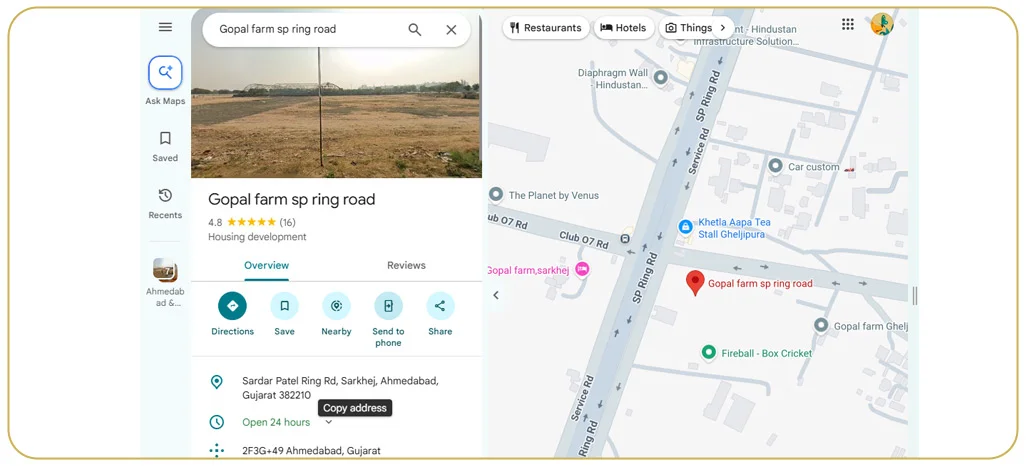
- Business name, category and sub-category
- Address, coordinates and plus code
- Phone number and website where listed
- Ratings, review count and popular times
- Opening hours and photos
The exact fields available can vary by listing and collection settings, so decide which attributes are essential before starting. For a practical overview of the available options, review the Google Maps scraper documentation page.
City-wise small business data
A lead list typically starts with a category (for example, gyms, clinics or tile shops) and a geography. The scraper divides a city into a grid so that dense areas are fully covered, then removes duplicates. The result is a clean file of matching businesses in that city. Before scaling, define the target categories and coverage area, then use a small pilot to validate the Google Maps Scraping Approach against your lead-generation requirements.
Multi-country POI projects
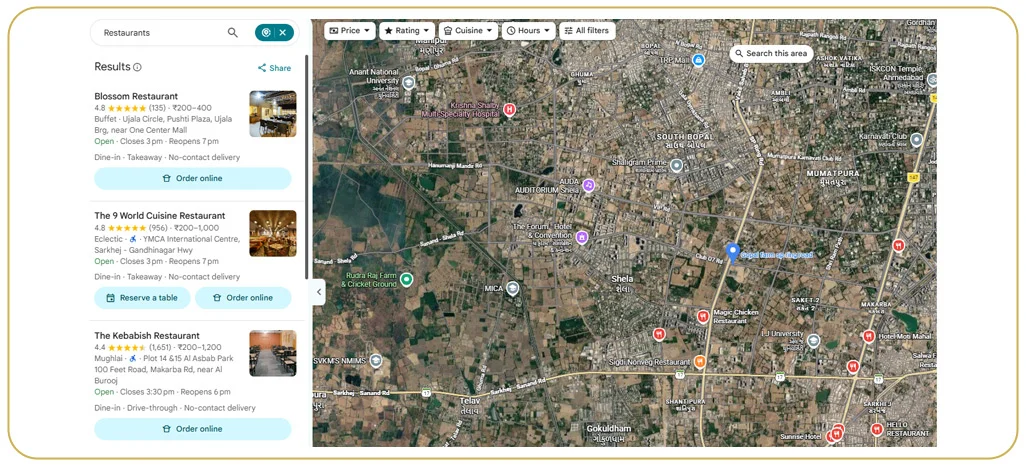
For regions such as Central Asia or South Asia, coverage varies. Some countries have fewer listings or local-language names. Good projects include transliteration, country-specific category mapping and quality checks on coordinates. A pilot in each target market can reveal gaps before a multi-country rollout.
Use cases
- B2B lead generation and sales territory planning
- Competitor and store-location analysis
- Real estate and site selection
- Training data for location-based apps
Data quality tips
Closed businesses still appear, so include a status field. Cross-check phone and website fields, and refresh the data regularly. If your workflow also requires checking whether target websites are reachable, a website checking tool may help with that separate validation step.
How grid-based Google Maps scraping works
Google Maps limits how many results a single search shows, so large areas cannot be covered with one query. One approach is to divide a city into small grid cells and search each cell for the target category. Overlapping results are merged and duplicates removed, improving coverage in crowded areas such as city centres.
Cleaning and enriching POI data
Raw map data needs work before it is useful:
- De-duplication: the same business can appear in more than one grid cell.
- Status checks: flag permanently or temporarily closed listings.
- Category mapping: convert Google categories into your own taxonomy.
- Address standardisation: split addresses into street, area, city, postal code and country.
- Website enrichment: where a website is listed, publicly visible business contact details can be collected from it separately. Keep this step distinct from map extraction, document the fields collected, and follow applicable privacy and outreach rules. For broader site-level extraction workflows, see the website data collection resource.
Use cases by industry
- Software and services companies: build prospect lists of clinics, salons, schools or gyms by city.
- Logistics and delivery: map pickup and drop-off points for route planning.
- Retail and franchising: analyse competitor density before opening a new store.
- Banking and fintech: find merchants in under-served areas.
For location-based decisions, POI data is most useful when it is joined with business goals—for example, a prospecting team may prioritise underserved districts, while a retail planner may compare store density and nearby competitors. Define the intended use before choosing the fields and refresh schedule.
Example: a lead list of dental clinics in a city
A dental equipment supplier wants a practical list of clinics in a mid-sized city. The scraper searches the city grid for dental clinics, merges and cleans the results, and returns a file with name, address, phone, website, rating and review count where available. The sales team can sort clinics by rating and review volume to prioritise outreach. A pilot dataset can help the supplier test coverage and usefulness before expanding to nearby cities.
Why choose Real Data API for Google Maps data scraping
Real Data API can help scope a Google Maps data collection project by city, country and category. Start with a limited pilot, agree on the required fields and quality checks, and scale after reviewing the output. Learn more about the Google Map Scraper and the platform's wider data collection options.
FAQs
1. Can you cover an entire country?
Yes, using grid-based search, though volume affects timeline.
2. Is email available?
Not on Google Maps itself. Websites can be crawled separately for publicly listed business emails.
3. How accurate is Google Maps business data?
It is generally good for active businesses, but some listings are outdated, so status and review dates should be checked before use.
4. Can I get data in local languages?
Yes. Names and addresses can be captured in the local language and in English where Google provides both.
5. Can I scrape Google Maps for any country?
Coverage depends on how many businesses are listed in that country. Some regions have fewer listings, which is worth checking in a small pilot.
6. How should I use the contact data?
Use it for legitimate business outreach and follow the laws on calling and messaging in your target country.
Turning POI data into actionable business intelligence
Once the dataset is cleaned, teams can combine location, category, ratings and contact fields to prioritise prospects, compare local competition and identify underserved areas. For example, sales teams can segment businesses by district while expansion teams can compare competitor density across neighbourhoods. If the project involves several sources beyond maps, Real Data API's broader data extraction solutions can be reviewed alongside the requirements for each source.
Conclusion
Google Maps data scraping can help build city-wise lead lists and multi-country POI datasets. With grid-based collection, careful cleaning and clear quality checks, the data can support sales, mapping and market analysis. Validate coverage and permitted use in each target market before scaling.
Need a POI dataset? Contact Real Data API to discuss scope by country, city and category.
Latest posts

Zomato & Swiggy Restaurant Data Scraping: Menu, Cuisine, Address & Dine-In Offers
How to Scrape Blinkit, Zepto & Swiggy Instamart Data (City & Dark-Store Wise)
Walmart, Costco & Whole Foods Grocery Data Scraping: Pricing, Nutrition, Ingredients & Store Availability
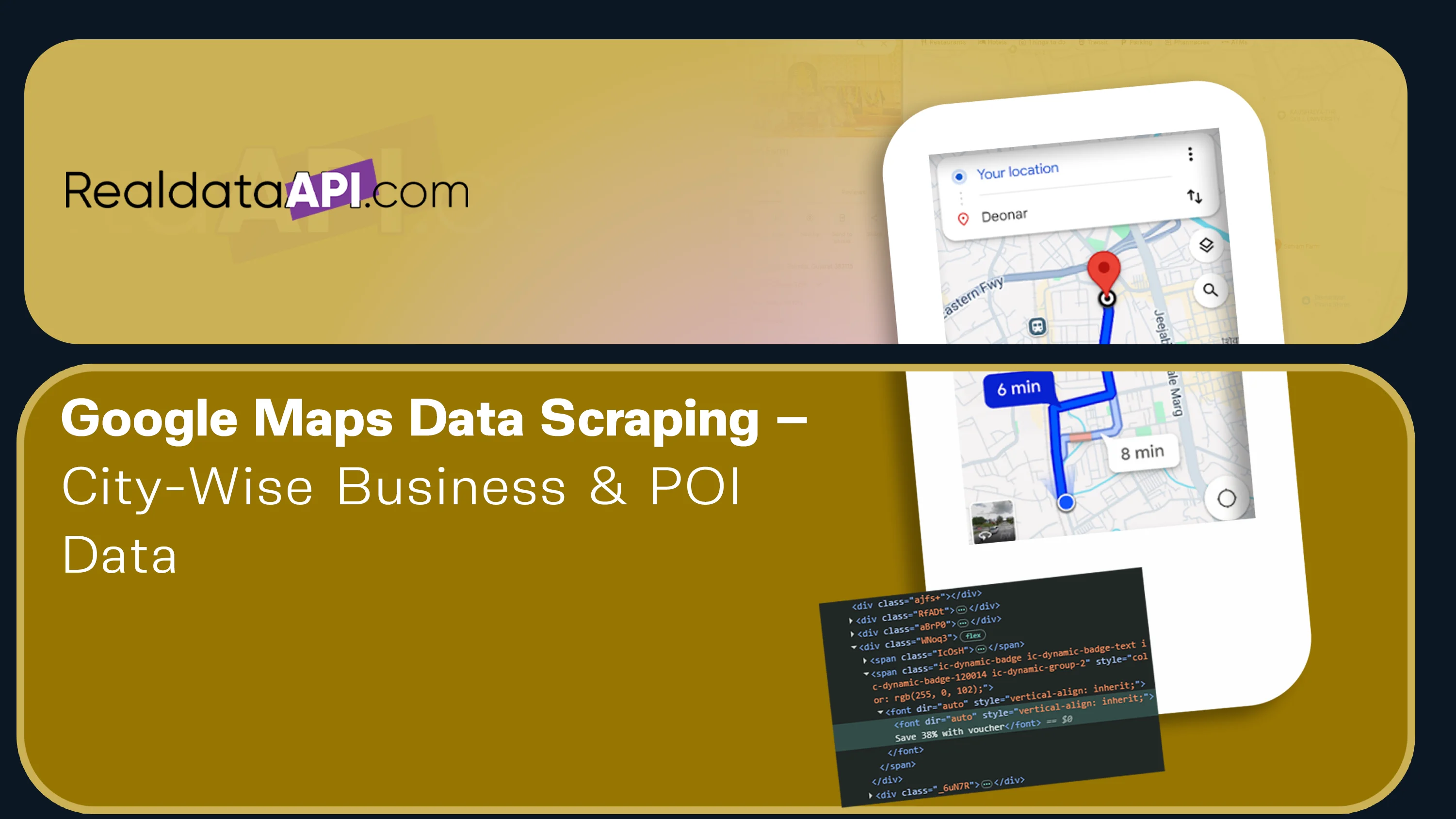
Google Maps Business Data Scraping: City-Wise Leads & Multi-Country POI Data






.png)



