.gif)
.gif)
Introduction
A product team building a price-comparison tool, a deal tracker or a retail analytics dashboard usually starts small. Maybe one retailer, one area and a few hundred requests a day. Then, if the product works, it expands to more retailers and more locations. A good data design lets that growth happen without rebuilding everything. This guide explains how a real-time Walmart product and price API works for a specific ZIP code, such as 07305 in Jersey City, New Jersey, and how the same design can later extend to Target, Amazon and other major retailers.
Why Start With Walmart And A Single ZIP Code?
Walmart is one of the largest US retailers online, with a huge catalogue and local pricing and availability. Starting with a single ZIP code has practical advantages:
- Controlled scope: you can verify data against what a shopper in that area actually sees.
- Lower cost and faster delivery: one location means fewer requests.
- Clear testing: you can compare API results with the live site and refine the schema.
- Easy scaling: once the pipeline works for one ZIP code, adding more is mostly a configuration step.
Jersey City, with ZIP code 07305, is a dense urban market. It is a good test location because availability and delivery options in urban areas can differ from suburban and rural ones.
For teams that need a production-ready Walmart product API rather than building the extraction layer from scratch, a managed API can return normalized product, pricing and availability fields.
What A Real-Time API Means In Practice
A real-time product API receives a request and returns data about the product at that moment, instead of returning stored data from an earlier crawl. For example, your application sends a product ID or URL together with a ZIP code. The service loads the product page for that location, extracts the fields and returns structured JSON, usually within seconds.
In practice, most production systems blend two approaches. Some data is fetched live. Some is cached for a short period, such as a few minutes, so that repeated requests for the same product and ZIP code do not each require a new page load. The right balance depends on how fresh your use case needs the data to be.
The Data Fields Returned
A complete response for this use case includes:
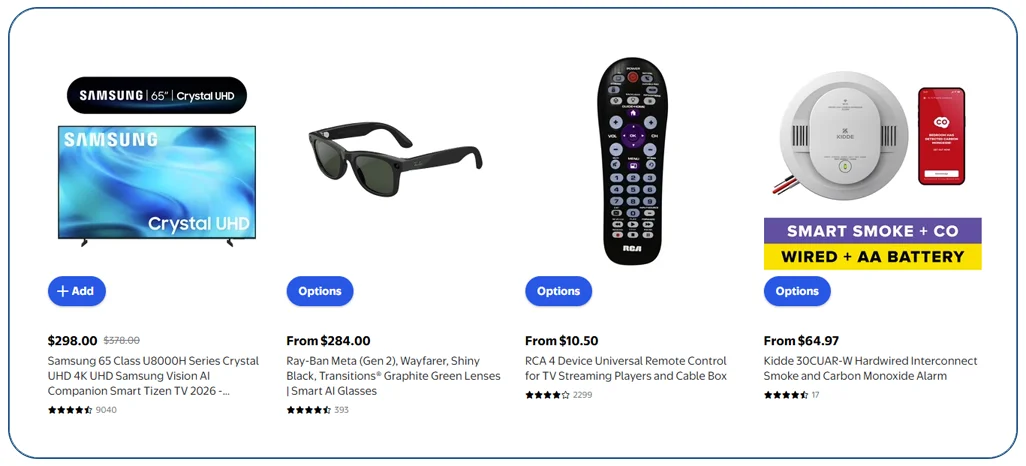
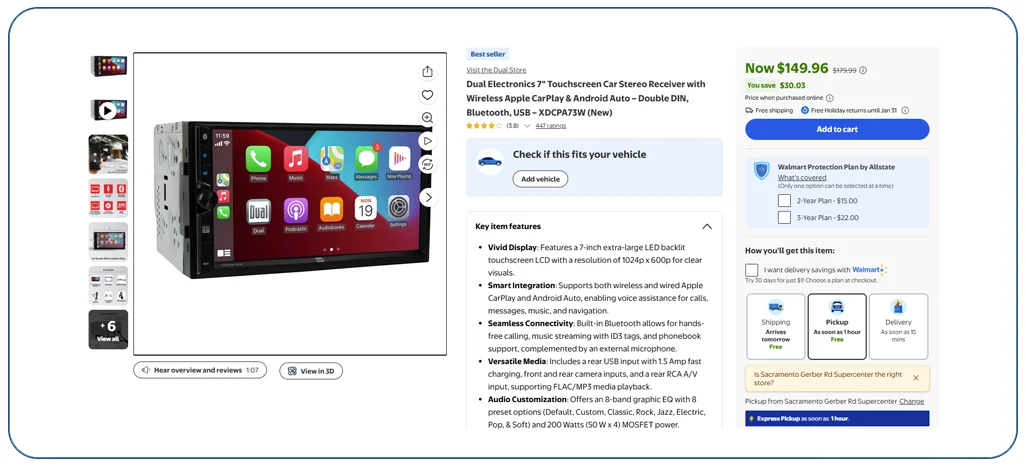
Product details: product ID, title, brand, category path, description, specifications, model number, UPC where shown and images.
Pricing: current price, original or was price, discount amount and percentage, unit price, rollback or promotion labels and any pricing note.
Availability: in-stock status, limited stock messages and out-of-stock indicators, separately for each fulfilment option.
Fulfilment: shipping availability and estimated delivery date, store pickup availability and store name, local delivery availability, and shipping cost or free shipping thresholds.
Seller information: sold by Walmart or by a third-party seller, with seller name when shown.
Social proof: average rating, rating count, review count and, if required, review text with date and rating.
Context: ZIP code, store used, timestamp and source URL.
Separating Fulfilment Types
One of the most important design decisions is to return pickup, delivery and shipping as separate fields. A product may be available for store pickup in Jersey City while not being available for shipping, or the other way around. If your application merges them into one in-stock flag, it will show wrong information to users. A clear structure might include a fulfilment object with shipping, pickup and delivery sub-objects, each with its own status, price and date.
Request Design
A clean API request for this use case could include:
- Product identifier: Walmart item ID or product URL
- ZIP code: the delivery location, such as 07305
- Optional store ID: if you need a specific store for pickup
- Fields: the list of fields to return, such as price, availability and reviews
- Freshness: maximum age of cached data you will accept
- Reviews options: number of reviews and sorting
Search and category endpoints can be added. A search endpoint takes a keyword and a ZIP code and returns matching products. A category endpoint returns the products of a category, in pages.
Expected Volume: 100 To 500 Requests Per Day
The stated starting usage of around 100 to 500 requests a day is modest and well suited to a managed real-time API. At this scale, the priorities are accuracy and reliability, not raw throughput. The request rate is low enough that each call can use a full page load with proper location handling, which gives the most accurate data. As usage grows, caching, parallel workers and queueing can be added to keep latency stable and costs predictable.
A retailer-neutral architecture also makes it easier to connect a Target data API or Amazon data API while keeping the application schema consistent.
Planning For Expansion To Target, Amazon And Others
The plan to add retailers later is best handled by designing a retailer-neutral schema from day one. The same field names, such as current_price, original_price, availability and rating, are used for every retailer, and retailer-specific extras are placed in a separate section. That way your application code does not need to change when a new retailer is added.
When expanding:
- Target: shows store-based pricing and availability, with pickup and delivery options, so the ZIP code and store logic is similar.
- Amazon: has multiple sellers, a featured offer and delivery estimates by location, so seller fields become more important.
- Other retailers: each has its own location and fulfilment logic, which the schema must accommodate.
Because product identifiers differ between retailers, matching products across them requires UPC or GTIN where available, or attribute matching.
If you need a deeper extraction workflow, the Walmart product data scraper approach covers product, category and search-page collection before normalization and delivery.
How The Scraping Works Behind The API
- Accept the request and validate the product ID and ZIP code.
- Set the location context for the ZIP code, or the chosen store.
- Verify the location after setting it, by checking the delivery address displayed on the page.
- Load the product page and extract product, price, availability and fulfilment data.
- Fetch reviews if requested, by loading the review section and paging through results.
- Normalise values into the standard schema, for example converting price strings to numbers and statuses to a fixed set of values.
- Cache the result for a short time, to save cost on repeated requests.
- Return JSON with a clear status and error information if something fails.
Technical Challenges
- Location handling: setting and verifying the ZIP code reliably, so that the price and availability match that area.
- Anti-bot protection: large retailers actively limit automated traffic, so requests need pacing, rotation and monitoring.
- Changing page layouts: retailer pages change often, so the extraction logic needs maintenance and automated tests.
- Seller and offer variation: the same product may be offered by several sellers at different prices.
- Review volume: popular products can have thousands of reviews, so paging and limits are necessary.
- Error handling: products can be delisted, restricted or unavailable in an area. The API should return a clear status, not an empty response.
- Latency: real-time page loads take seconds, so applications should be designed to handle that, with timeouts and retries.
For wider marketplace coverage, e-commerce data scraping can extend the same pricing, availability and review workflow across multiple retail platforms.
Use Cases
- Price-comparison and deal apps: show current local prices and availability from Walmart and later other retailers.
- Retail analytics: track price changes and discount patterns for chosen products in a target area.
- Brands and CPG companies: check how their products are priced, stocked and reviewed at a retailer.
- Shopping assistants and AI agents: provide live product data to recommendation systems.
- Inventory and procurement tools: check availability and delivery estimates before ordering.
- Marketplace sellers: monitor retail competition on their own products.
Example: A Deal-Tracking App
A start-up builds a deal-tracking app for New Jersey shoppers. For its first version, it tracks 300 popular products at Walmart for ZIP code 07305. The app calls the API a few times a day for each product, stores the results and alerts users when a price drops below a threshold or when a product becomes available for pickup. After launch, the team adds Target and a second ZIP code by configuration only.
Example: Brand Monitoring
A consumer-goods brand uses the API to check how 40 of its products are priced and reviewed at Walmart in several ZIP codes. It sees that a competitor has just dropped the price of a similar item and that its own product has an increased number of one-star reviews due to a packaging issue. The brand reacts quickly with a promotion and a customer-service response.
Sample JSON Response Structure
A response is organised in sections: product (ID, title, brand, category), pricing (current price, original price, discount percent, currency), availability (overall status plus fulfilment details for shipping, pickup and delivery), seller (name and type), reviews (average rating, count and review list if requested) and meta (ZIP code, store, timestamp, source URL and cache status). Missing values are returned as null, not omitted, so that client applications remain stable.
Quality Checks And Monitoring
- Compare a sample of API responses with the live site for the same ZIP code every week
- Track the success rate and latency of requests
- Alert on sudden increases in failures, which usually indicate layout changes
- Check that price and discount fields are consistent
- Log the version of the extractor used for each response
Responsible Data Collection
Collect only publicly visible product, price and availability information, avoid personal data, keep request rates reasonable and follow the retailer's terms of use and applicable laws. Review text and images may be protected by copyright, so check usage rights, especially for public-facing applications.
Why Choose Real Data API For A Walmart Product And Price API
Real Data API builds ZIP-code-aware retail APIs with a retailer-neutral schema, clear fulfilment fields and ongoing maintenance. We can begin with a single ZIP code and a few hundred requests a day, validate accuracy against the live site and extend to Target, Amazon and other retailers when you are ready.
Conclusion
A real-time Walmart product and price API for a single ZIP code is a practical way to start a retail data product. With a clean schema, separate fulfilment fields and a design that anticipates Target, Amazon and other retailers, you can launch quickly and scale without rebuilding.
Planning a retail product API? Real Data API can set up a pilot for your ZIP code and products.
FAQs
Can the API return reviews?
Yes. You can request a number of reviews with rating, date and text, subject to usage rights and volume.
Is the data truly real time?
Requests can be served live. For efficiency, short caching, such as a few minutes, is available, and you control the freshness you accept.
Can I query by ZIP code and store?
Yes. A ZIP code is the default, and a specific store can be provided where the retailer supports it.
How do you handle products that are unavailable in a ZIP code?
The response returns a clear unavailable status with the reason where known, instead of an empty result.
What does expansion to Target and Amazon involve?
Building and testing a scraper for each retailer, and mapping it to the same schema. Your integration remains unchanged.
Latest posts

Multi-Country, Multi-Category E-commerce Data: How to Plan a Global Scraping Project
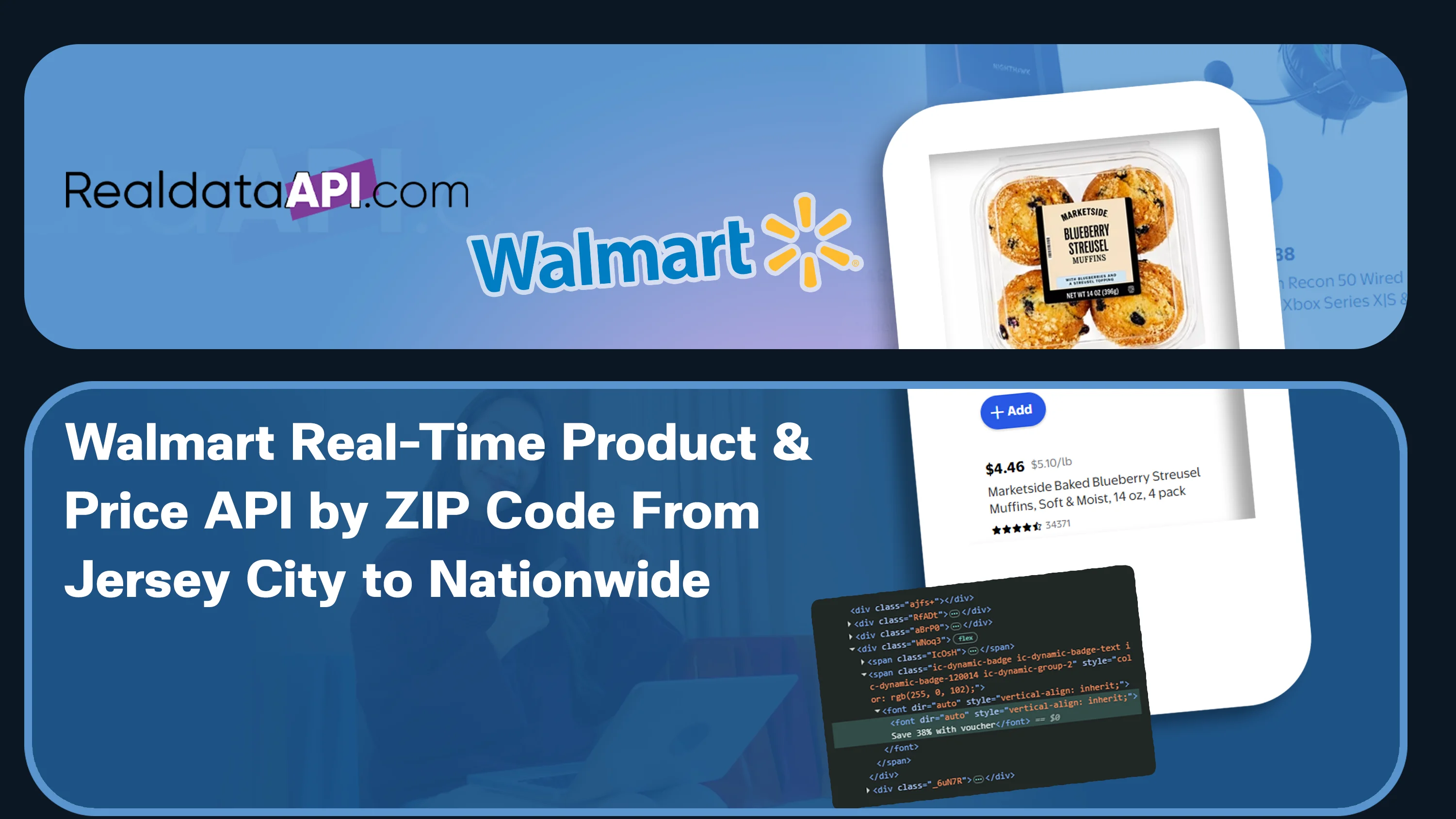
Walmart Real-Time Product & Price API by ZIP Code: From Jersey City to Nationwide
Hotel Price Comparison Data Scraping: Daily Rate Tracking Across MakeMyTrip, Goibibo, Booking.com & Agoda

How Restaurants Use Competitor Offers Data to Optimize Pricing in India (2026) and Improve Profit Margins Through Smarter Promotions




.png)


