
Introduction
Small businesses are the backbone of the Indian economy, and also the hardest customers to find. Salons, clinics, tuition centres, repair shops, boutiques, gyms, grocery stores, hardware shops and travel agencies seldom appear in formal directories. Yet they are exactly the customers that software providers, fintech companies, telecom operators, equipment suppliers and banks want. Google Maps contains millions of such listings. With careful scraping, you can turn them into city-wise lead lists that your sales team can actually use.
This article explains how to build city-wise small business datasets from Google Maps, from planning categories to cleaning and qualifying the results.
Who Needs City-Wise Small Business Data?
- SaaS and software companies selling billing, appointment or inventory tools to small shops and clinics
- Fintech and payments providers targeting merchants for QR codes, POS machines and small loans
- Telecom and internet providers looking for small offices and shops
- Distributors and manufacturers seeking retailers in a territory
- Marketing agencies prospecting local businesses
- Market researchers estimating business density and growth
Why Google Maps?
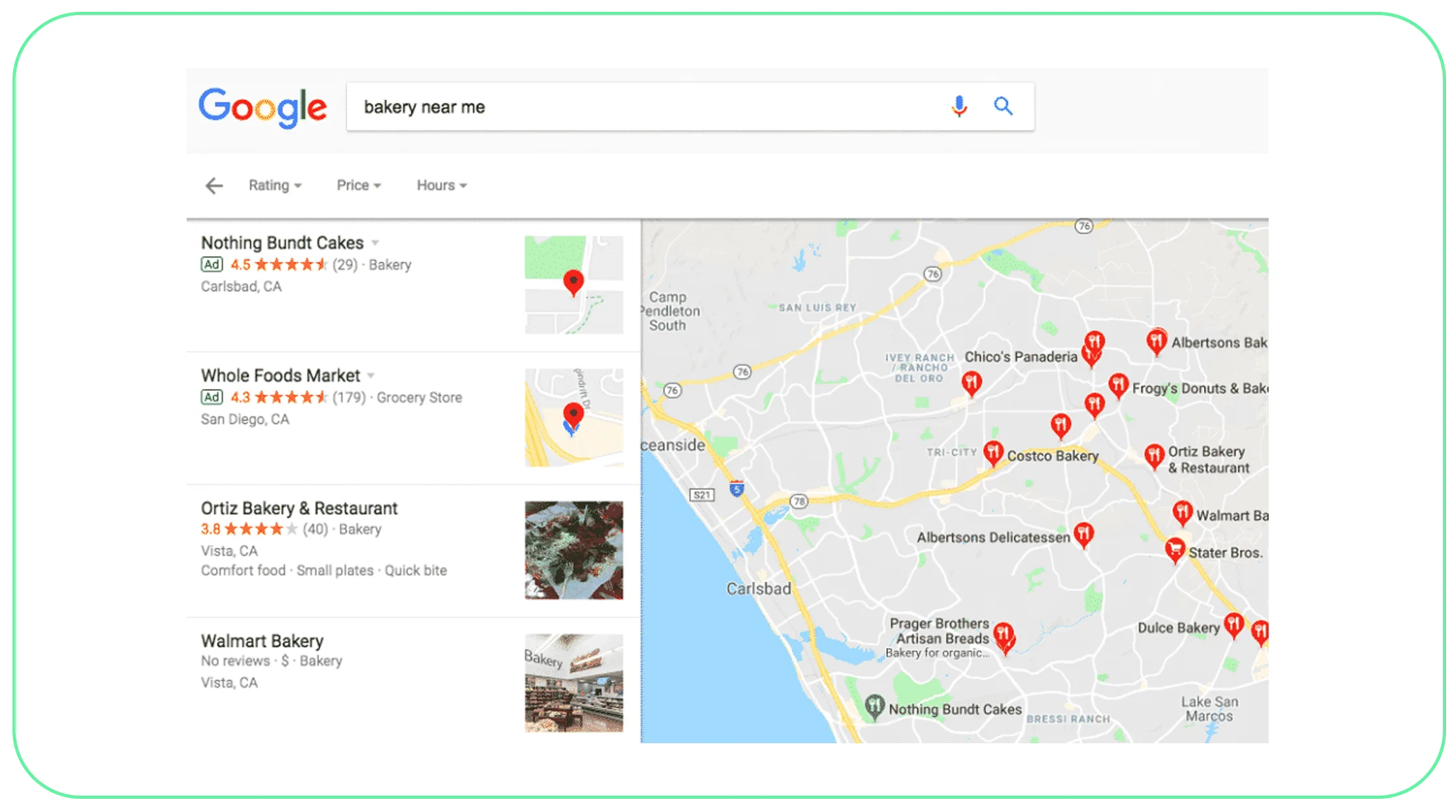
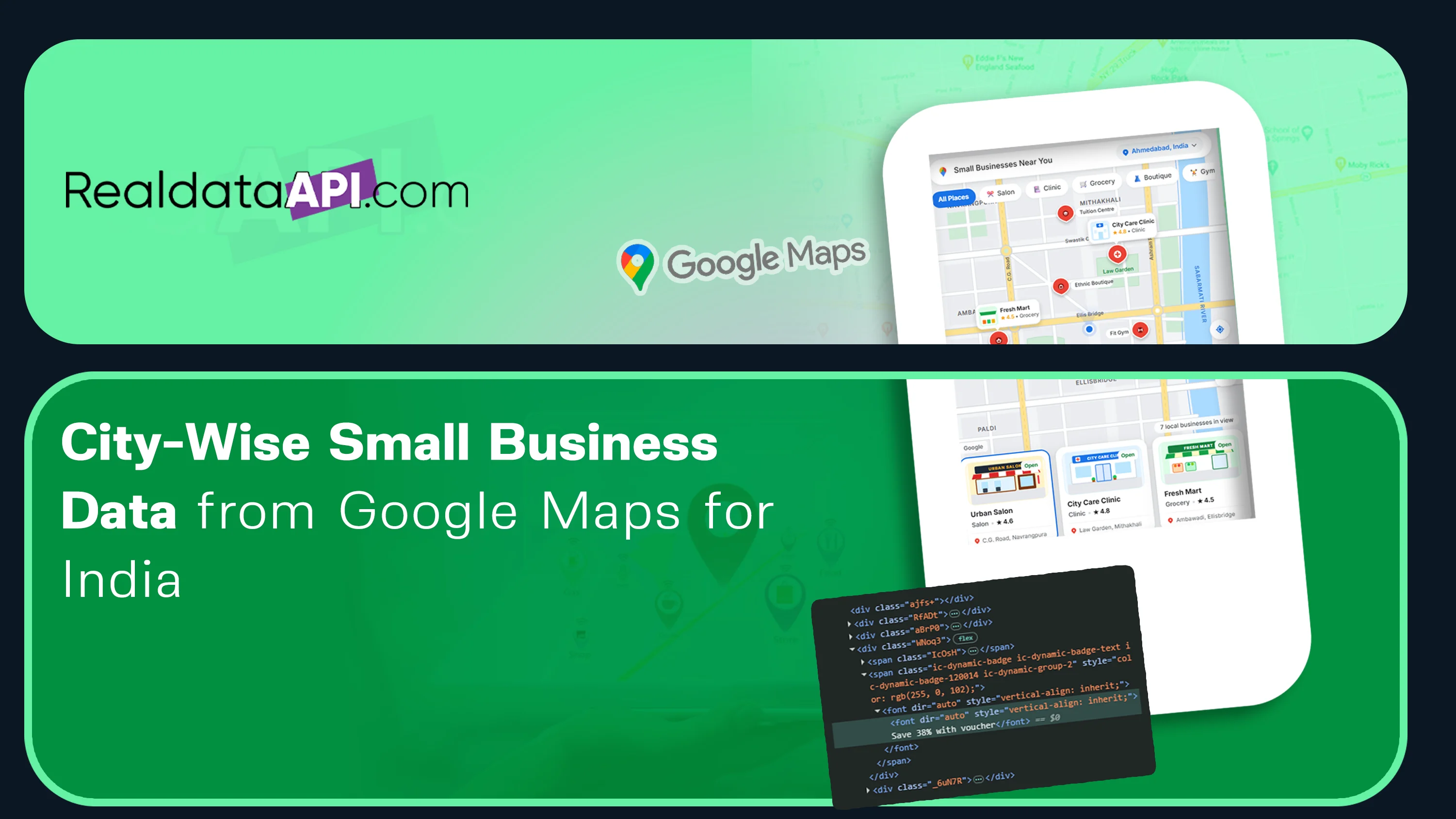
Google Maps is often the most complete public source of local business listings in India. Businesses add themselves to improve visibility, so even very small shops can be found. A listing typically includes the name, category, address, phone number, website where available, opening hours, photos, ratings and reviews. The ratings and review counts help you judge how active and established a business is.
For a closer look at the fields, geographic filters and collection options available, explore the Google Maps scraper before planning a city-level project.
Planning The Project
Before scraping, define three things clearly:
Geography. Choose cities, or specific areas within them. For territory planning, you might specify pincodes or sales districts.
Categories. Google Maps uses detailed categories such as dental clinic, hair salon, pharmacy, coaching centre, hardware store, electronics repair shop and gym. List all the categories relevant to your product, including related ones.
Fields and filters. Decide which fields you need and which filters improve quality, such as minimum review count, presence of a phone number or an active status.
Data Fields You Can Collect
- Business name and category
- Full address, locality, city, state and pincode
- Latitude and longitude
- Phone number and website, where listed
- Rating and review count
- Opening hours and open or closed status
- Price level where shown
- Photos count and listing URL
- Plus code or place identifier
- Whether the business appears claimed or managed, where indicated
How Grid-Based City Scraping Works
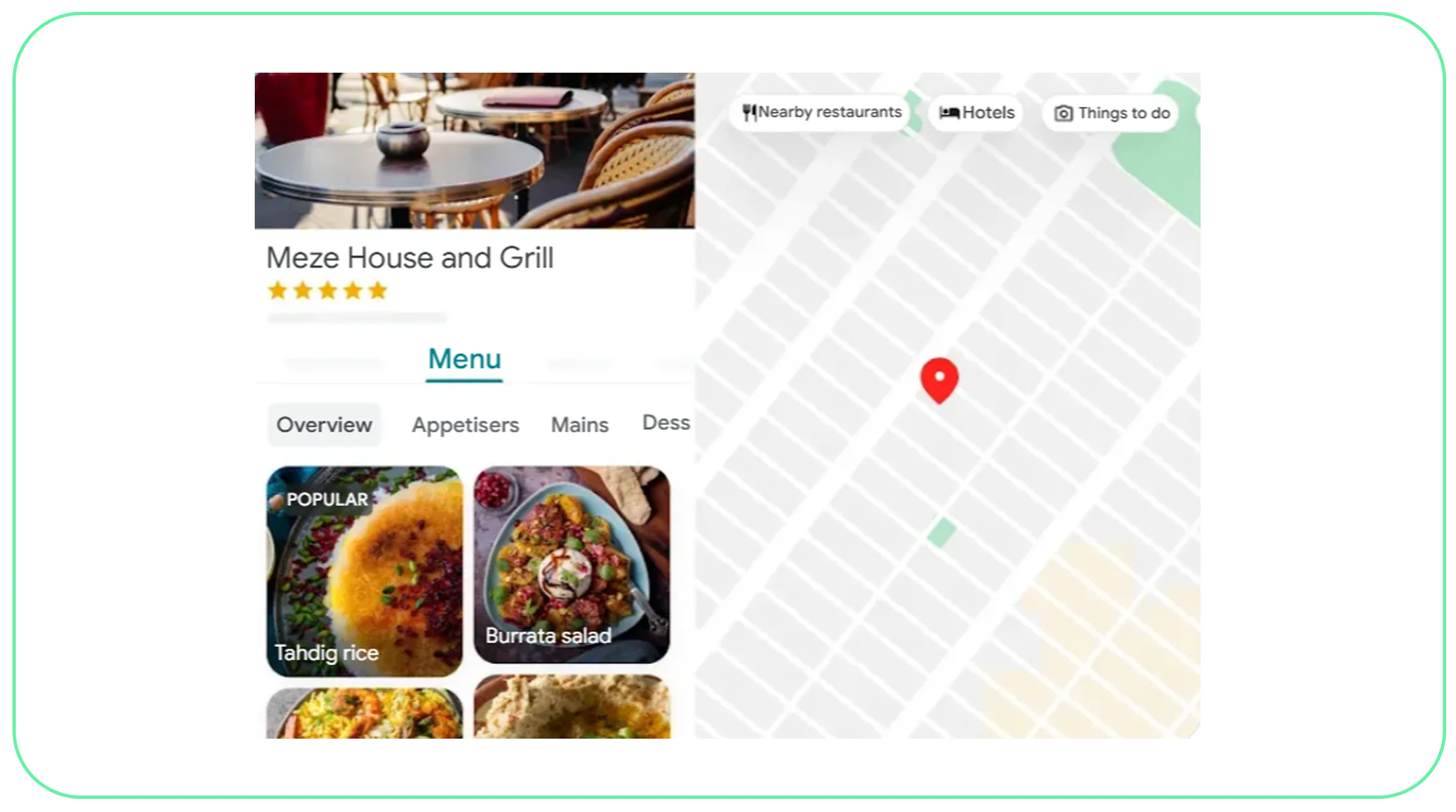
Google Maps limits how many results one search can show, so a single search for salons in Mumbai will not return all of them. The reliable method is grid-based scraping.
For a related overview of city-wise business listings, POI fields and collection coverage, read our Google Maps business data scraping guide.
- Divide the city into cells. The city boundary is split into a grid of small areas. Dense areas use smaller cells, since they contain more businesses.
- Search each cell for each category. For every cell and category, run a search and collect all results by scrolling to the end.
- Adapt cell size. If a cell returns the maximum number of results, it is split into smaller cells and searched again, so nothing is cut off.
- Collect details. Open each listing to capture all fields.
- De-duplicate. The same business appears in several cells. Duplicates are removed using place identifiers and coordinates.
- Clean and standardise. Fix addresses, phone formats and categories.
- Filter and score. Apply your quality filters, and score leads by rating, reviews and completeness.
- Deliver. Provide files or API access.
Cleaning And Qualifying The Data
Raw map data needs cleaning to be useful for sales:
- Phone numbers: standardise to a single format, remove invalid numbers and flag landlines and mobiles separately.
- Categories: map Google's many categories into your own groups.
- Status: remove permanently closed businesses, and flag temporarily closed ones.
- Duplicates and chains: identify chains and group their outlets.
- Lead scoring: rank by review count, rating, website presence and recency of reviews. A shop with recent reviews is likely active.
- Address enrichment: add pincode, district and sales territory.
Website Enrichment
Where a business lists a website, the site itself may show an email address, social media links or additional contact details. These can be collected separately from the site, and only if they are publicly available for business contact. Many small businesses do not have websites, so phone remains the main contact channel.
Technical Challenges
- Result limits: requires grid and adaptive splitting to ensure full coverage.
- Dynamic pages: listings load through scripts and require browser-level scraping.
- Anti-bot controls: large volumes of searches must be paced and distributed.
- Data accuracy: some listings are outdated, duplicated or misclassified.
- Local language names: many businesses have names in regional languages or mixed scripts, which require careful handling.
- Scale: a large city and many categories can produce hundreds of thousands of listings.
Use Cases
- Field sales planning: assign territories and create call lists by area and category.
- Inside sales campaigns: run calling or messaging campaigns, following applicable laws.
- Market sizing: count businesses by category per city to estimate potential.
- Competitor mapping: find where competitors' customers are located. Teams comparing business density and competitor locations can also use location intelligence to turn geographic listings into practical expansion insights.
- Expansion planning: identify cities with high business density but low presence of your brand.
Example: A Billing Software Company
A billing software company wants to sell to pharmacies and general stores in five cities. It scrapes Google Maps for pharmacy, grocery store and general store categories across a grid for each city. After cleaning, it keeps listings with a phone number and at least ten reviews and divides them by territory. Its sales team receives clear daily call lists, and management sees how many prospects exist in each city.
Sample Output Columns
Unique ID, business name, category, address, locality, city, state, pincode, latitude, longitude, phone, website, rating, review count, open status, price level, listing URL, lead score, source and collection date.
Delivery and Refresh
Lead lists are delivered as CSV or Excel, or loaded into CRM tools. Because small businesses change often, quarterly refresh is common. For fast-moving categories like restaurants and salons, refresh more often.
Responsible Use
Collect only publicly visible business information. Follow laws and regulations on telephone and message marketing, such as consent and do-not-disturb rules, and respect platform terms. Avoid collecting personal data of individuals.
Why Choose Real Data Api For Google Maps Business Data Scraping
Real Data API designs grid searches with adaptive splitting, cleans and de-duplicates results, and scores leads for you. We can deliver a pilot for one city and a few categories so you can test coverage and quality before scaling.
Conclusion
City-wise small business data from Google Maps gives sales and strategy teams a practical way to find and qualify local customers across India. With grid-based collection, careful cleaning and lead scoring, a raw map listing becomes a reliable, actionable database.
Need city-wise business leads? Real Data API can deliver a pilot for your city and categories.
FAQs
1. How many businesses can you collect for a city?
It depends on the listings. A pilot gives an exact count for your categories.
2. Can I get only businesses with phone numbers?
Yes. Filters can limit the dataset to listings with phone numbers, ratings or a minimum review count.
3. Do you provide email addresses?
Google Maps does not show emails. Website enrichment can find publicly listed business emails for some records.
4. Can the data be segmented by territory?
Yes. Coordinates and pincodes allow assignment to any territory definition.
5. How current is the data?
It reflects the listings at collection time. Refresh quarterly or monthly to keep it current.



.png)


